A UTM naming convention for your online store: rules, examples and a ready-to-use table
How to write UTMs so the whole team follows them: the five parameters and utm_id, writing rules, GA4 channels, conventions for Meta, Google, email, SMS, influencers and QR codes.
Vasile Dingă
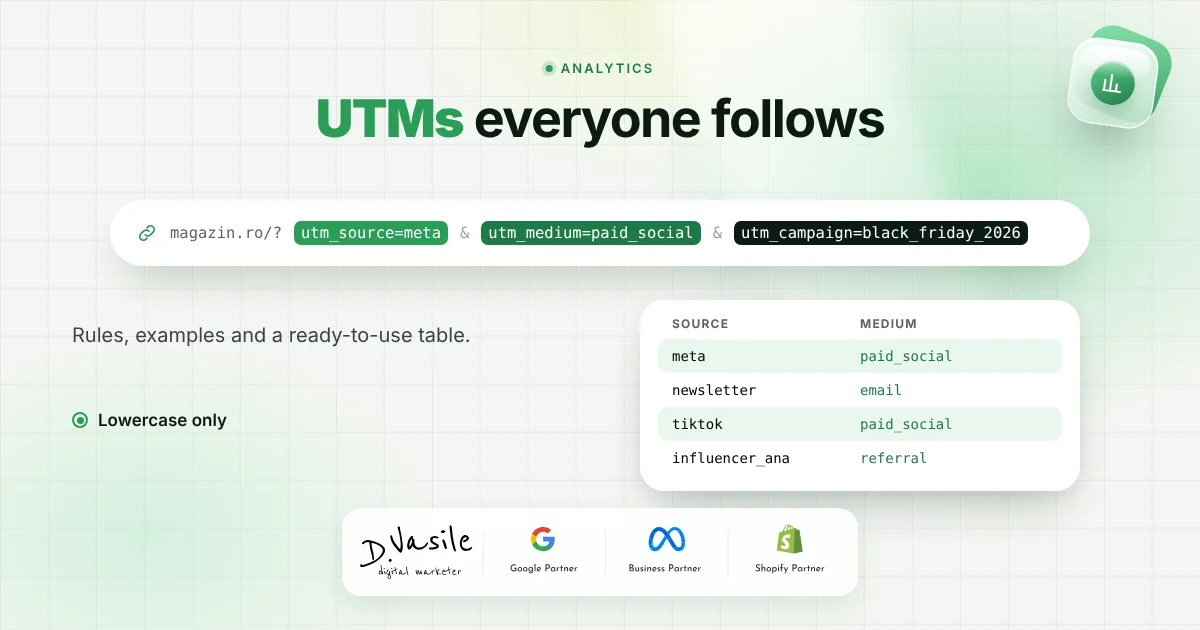
You open the traffic acquisition report in GA4 and see separate rows for "facebook", "Facebook", "fb" and "meta", while a good part of your newsletter sales sits in "Unassigned". That's not a GA4 problem. It's a problem of UTMs written by different people, on different days, without a shared rule. Below is the convention I use with the stores I work with, designed so the whole team can follow it, not just the person who wrote it. 1. The five parameters, plus utm_id utm_source : where the visit comes from, meaning the platform or publication. Examples: google, facebook, instagram, newsletter, tiktok. utm_medium : the type of channel. It's the most important parameter, because GA4 uses it to decide the channel in your reports. Examples: cpc, paid_social, email, sms. utm_campaign : the campaign name, the same in the ad and in the report. Example: bf_2026_discount30. utm_content : which variant was clicked: the ad, the button, the creator. Example: video_unboxing or hero_button. utm_term : originally for keywords; in practice I use it for the ad set or audience segment. utm_id : the campaign ID. It matters when you import cost data into GA4 from other platforms, because that's the key the data is joined on. The first three are mandatory on every link you control. The last three are optional, but once you've used them in a channel, always use them there. 2. Writing rules Lowercase only. In reports, "Email" and "email" show up as two different rows. One capital letter splits your data in two. One separator. Pick underscore or hyphen and don't mix them. I use underscore in values (paid_social, bf_2026) because it reads easily and doesn't get confused with the hyphens in URL slugs. No spaces, accents or special characters. A space becomes %20 and accented letters turn into encoded strings. Write "christmas", not "Christmas Sale!". A fixed order in the campaign name: type_year_month_offer, for example promo_2026_11_bf30. That way they sort easily and you can find them a…