Stock alerts, favourites and abandoned cart: how to bring customers back
The store features that turn lost visits into orders: stock alerts per size, favourites without an account, abandoned cart with consent, new arrivals in your size and birthdays.
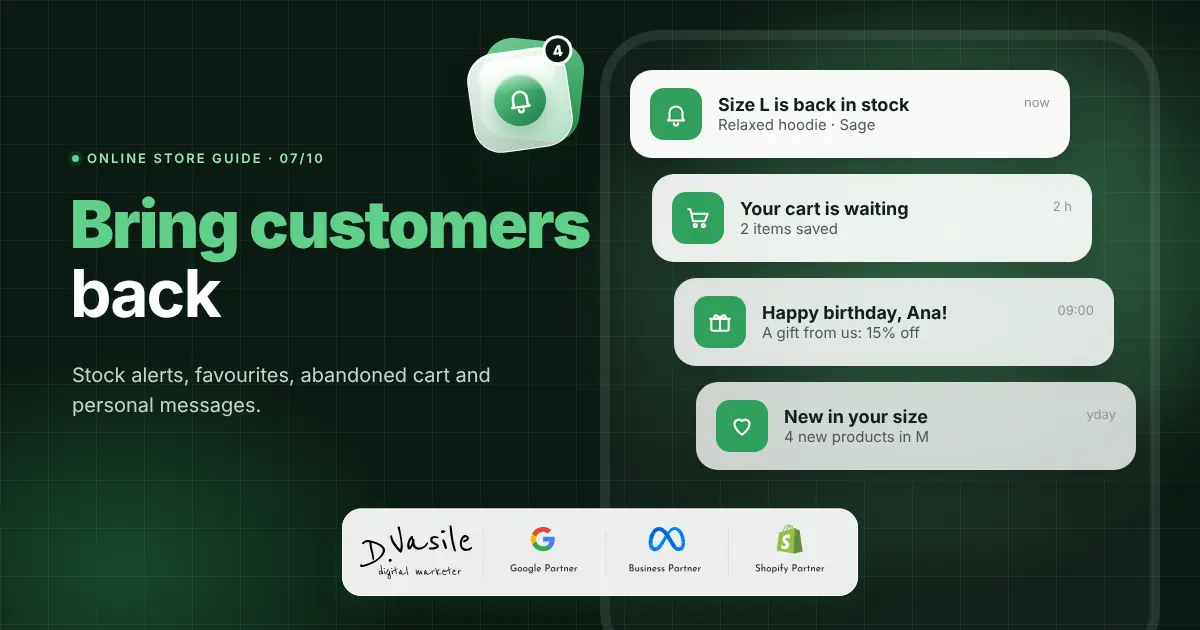
Most visitors don't buy on their first visit. Some can't find their size, others are comparing, others are simply interrupted. The store can let them go or give them a reason to return. Below are the store features that bring customers back without paid ads. I wrote separately about automation in email platforms, in email and SMS flows. This article is part of the series on how to build an online store.
"Notify me when it's back in stock"
When a variant is sold out, an email field replaces the buy button. For it to work well:
- The alert is tied to the exact variant: "Green, size L", not just the product.
- The email goes out automatically when the variant's stock goes above zero, with a direct link to that variant.
- If the restocked quantity is small, alerts go out in sign-up order, not all at once.
- The list of requests shows you what to reorder from the supplier and in what quantities.
Favourites
The heart button on the product and on the card lets customers save products, even without an account. The list is kept on the device and moves to the account when the customer logs in. Favourites are also a signal for you: a product saved often but rarely bought usually has a problem with price, size or photos.
Abandoned cart
- The first email one or two hours after abandonment, with the cart items and a link that restores the cart.
- The second the next day, with reviews or answers to common questions. A discount, if any, only in the third.
- Send only to customers who left their email and accepted communications, in line with GDPR.
- Automatically exclude anyone who has bought in the meantime.
New arrivals matched to the customer
If you know what size the customer wears or which categories they buy, you can send only the relevant new arrivals: "4 new products in your size". Messages like this get much higher open and order rates than a general newsletter.
The customer's birthday
An optional birth date field in the account and an automatic email with a code valid for a few days. It's one of the best received messages, because it's personal and comes only once a year.
Rules for all messages
- The same design as the site and one clear button.
- A visible unsubscribe link, separate for each message type if possible.
- Measuring the orders each message brings, with UTM parameters and in the store's reports.
How I build these features
In the stores I build, stock alerts work on every size and colour, favourites work without an account and move to the account on login, and abandoned cart, new arrivals in your size and birthday codes go out directly from the store, with the customer's consent. In the store dashboard you see how many carts were recovered and how many alerts are waiting for stock.
Check yourself
Frequently asked questions
Conclusion
Stock alerts, favourites, abandoned cart and personalised messages turn lost visits into orders without an ad budget. Build them with the customer's consent, measure what they bring and keep them rare and useful. If you'd like to add them to your store, see the email marketing page or write to me via contact.
Free check: find out in 5 minutes how much budget you're losing in Google Ads and Meta Ads. Answer 15 questions and get a score and a list of things to fix. Take the free check.