Cart and checkout: how to stop losing customers at the end
Side cart, free shipping threshold, early visible shipping, guest checkout, the right payments and the thank you page: what to build so you don't lose customers in the cart.
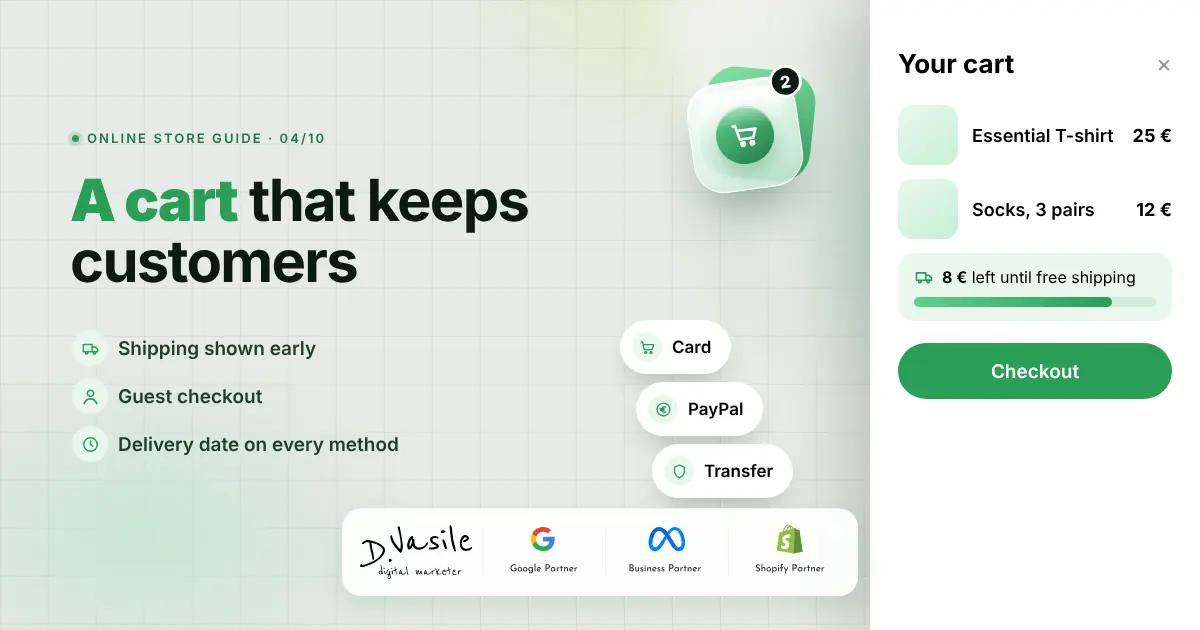
The customer chose the product and put it in the cart. It may seem like the hard part is over, but in many stores more than half of carts never become orders. Most are lost for small, fixable reasons: shipping cost revealed too late, a required account, a long form, a missing preferred payment method. This article is part of the series on how to build an online store.
Side cart and full cart
When the customer adds a product, a side cart that opens over the page confirms it without taking them out of the store. There they see the products, the subtotal, how much is left until free shipping and two buttons: "View cart" and "Checkout". The cart page remains for anyone who wants to change quantities or see recommendations.
The free shipping threshold
- Set the threshold slightly above your average order value, so it grows the cart instead of just making you pay for shipping.
- Show it as a thin line with a progress bar: "37 euros left until free shipping". Once reached, it simply says "Free shipping".
- Under the bar, recommend a small product that fills the gap exactly.
Shipping, visible early
A shipping cost discovered only at the end is one of the top reasons for abandonment. Show it on the product page or in the cart, with each delivery method and the estimated date the parcel arrives. A customer who sees "Arrives Thursday" chooses more easily than one who sees only a price.
A short checkout
- Guest checkout. The account can be created after the order, with one click, from the thank you page.
- Only the necessary fields: name, phone, email, address. Company details appear only if the customer ticks "I need a company invoice".
- The discount code behind a link. A large coupon field sends the customer off to search for codes, and sometimes they don't come back.
- A final button with the amount: "Place order, 49 euros", not just "Continue".
Payment methods
Offer the methods your customers expect in each market. In Romania cash on delivery still brings many orders, especially from first-time customers, while in Denmark MobilePay and cards dominate. Bank transfer is useful for companies and for products without a parcel, such as gift cards. A few rules:
- Hide cash on delivery where it makes no sense, for example in a cart with only digital products.
- For transfers, automatically email the account details and the order number as reference.
- If you have many refused cash on delivery parcels, ask for a small deposit or encourage card payment with a clear benefit.
Thank you page and confirmation email
After ordering, the customer wants to know three things: that it worked, what happens next and when the parcel arrives. Show the order steps (confirmed, prepared, handed to the courier), the estimated delivery date and a button to the account. The same content goes into the confirmation email.
How I build cart and checkout
In the stores I build, the side cart shows the free shipping bar right under the subtotal, each delivery method shows its estimated date, and the checkout form asks only for what's needed. Cash on delivery disappears automatically in carts with only gift cards, and order emails share the site's design. When a store has more abandonment, I track it step by step in GA4, as in the article on GA4 reports for online stores.
Check yourself
Frequently asked questions
Conclusion
A good cart confirms the addition, shows shipping and the free shipping threshold, and checkout asks only for what's needed. Test everything on mobile, with each payment method, before any campaign. If you'd like to see where your store loses customers in the cart, see the ecommerce strategy page or write to me via contact.
Free check: find out in 5 minutes how much budget you're losing in Google Ads and Meta Ads. Answer 15 questions and get a score and a list of things to fix. Take the free check.