Meta switches on product browsing on October 28: what it means for your store
What product browsing is, why it matters before Black Friday, how to opt out and which new brand products Meta announced, with a checklist for your account.
Vasile Dingă
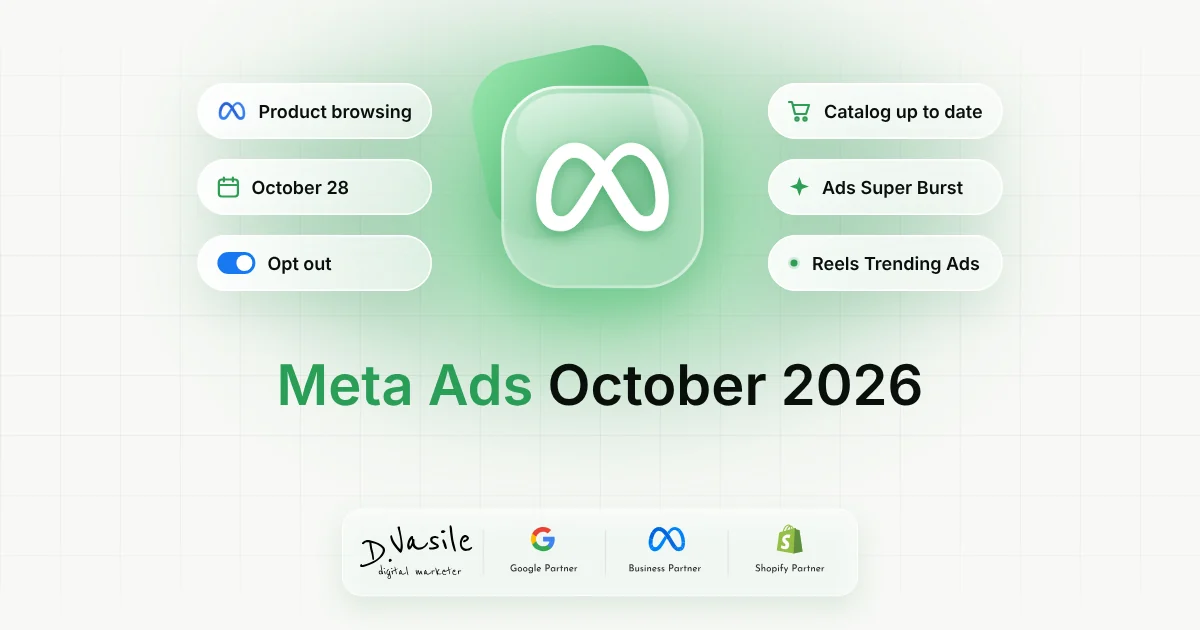
Around October 14, Meta sent advertisers a notice that's easy to skim past, but that can change how customers reach you from your ads. From October 28, 2026, a feature called product browsing will switch on automatically for ads that are already running, unless you opt out before that date. In this article I explain what the feature does, why it matters right before Black Friday, how to switch it off if you don't want it, and what else Meta announced the same week. There's also an interactive checklist for your account. What product browsing is When someone taps an ad, they don't necessarily go straight to your website. They may first see a page inside Facebook or Instagram with product details and suggestions for other products. The feature already existed as an Advantage+ creative enhancement, but it was off by default for individual ads. From October 28, Meta is switching it on for existing ads. For shoppers, it's faster: they see the product without waiting for your site to load. For you, part of the traffic stays inside Meta's apps, at least for the first step. Why it matters for an online store Less direct traffic to your site. Some people who click the ad no longer land straight on your product page, where you have your reviews, delivery dates and offers. Your catalog becomes the shop window. The in-app page relies on data from your Meta catalog. If prices, stock or images there aren't up to date, shoppers see the wrong information. Remarketing and reporting can shift. If fewer people reach your site, audiences built from site visitors grow more slowly, and comparisons with previous months get harder. The timing is sensitive. The change lands a month before Black Friday, exactly when you don't want surprises in your account. How to switch it off if you don't want it From Meta's notice , with the "Opt out" button, before October 28. Per ad, at any time , in each ad's Advantage+ Creative and Destination settings. You can turn the feature on or off whenever you…