Google Ads, October 2026: you now decide how much budget goes to Display and partners
Channel prioritization and budget caps for Display and partners, what changes in February 2027, API v26, warranty in Merchant Center and Google's universal cart, with a calculator.
Vasile Dingă
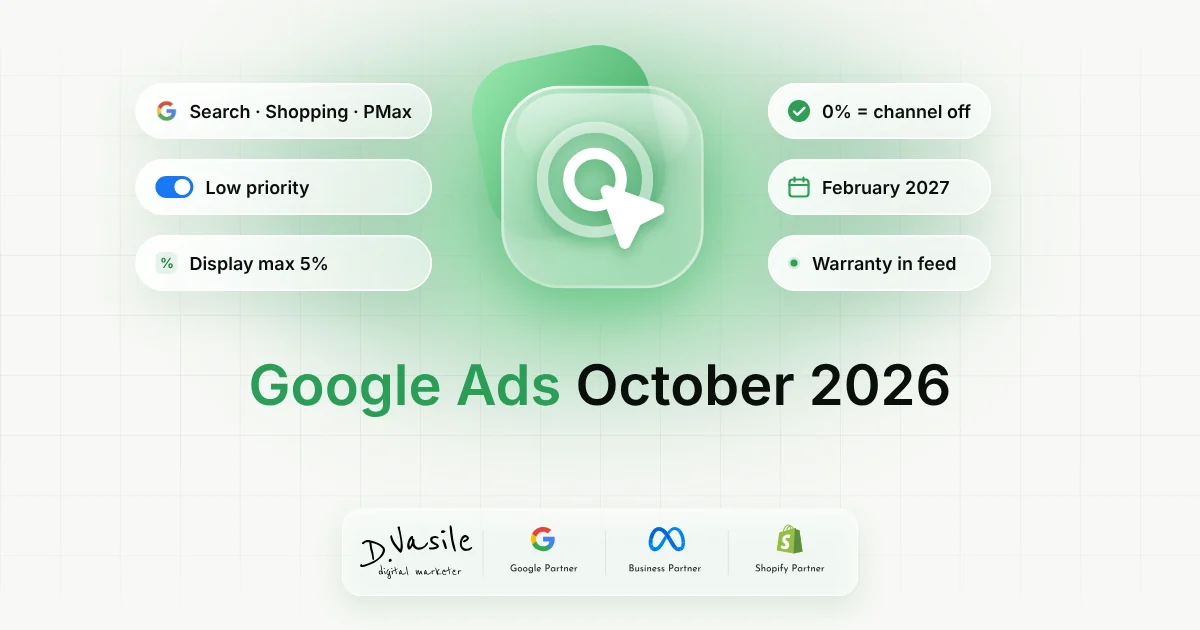
Until now, if you didn't want a Search campaign to spend on the Display Network or on Search partners, you had one option: switch them off completely. On October 14, Google announced a change that solves exactly that. You can mark these channels as low priority and cap them at a percentage of your daily budget. The settings are rolling out gradually in the Google Ads interface from October 15. In this article I explain how the new settings work, which campaigns have them, what changes in February 2027 and how I would use them before Black Friday. Below you'll also find the other Google updates from the same week that matter for an online store, plus a calculator that shows the most that can go to each channel. Channel prioritization: what's new The update has two parts, which you can use together or separately: Channel prioritization. You mark Search partners and the Display Network as "high priority" or "low priority". Google spends on high-priority channels first, working toward your target CPA or ROAS, and only then sends the rest of the budget to low-priority channels. Budget allocation. For low-priority channels, you set a maximum percentage of your average daily budget. Google's example: with a $1,000 daily budget and a 5% allocation, the campaign targets at most $50 a day on that channel. At 0%, the campaign doesn't spend there at all. In practice, you no longer have to choose between "all" and "nothing". You can keep Display for remarketing, for example, but with a clear limit. Which campaigns have it .comparison-cards { display: flex; flex-direction: column; gap: 1.5rem; } .comparison-card { background: #fff; border-radius: 16px; padding: 20px; border: 2px solid #efefef; } .comparison-header { display: flex; justify-content: space-between; font-size: 16px; margin-bottom: 12px; } .comparison-row { display: flex; justify-content: space-between; padding: 8px 0; border-top: 1px solid #efefef; font-size: 14px; color: #1f2937; } .comparison-label { font-size:…