The online fashion store: size guide, exchanges on returns and lookbook
The features that reduce returns in a fashion store: size guide per category, size recommendation, fit details, size exchanges and outfits.
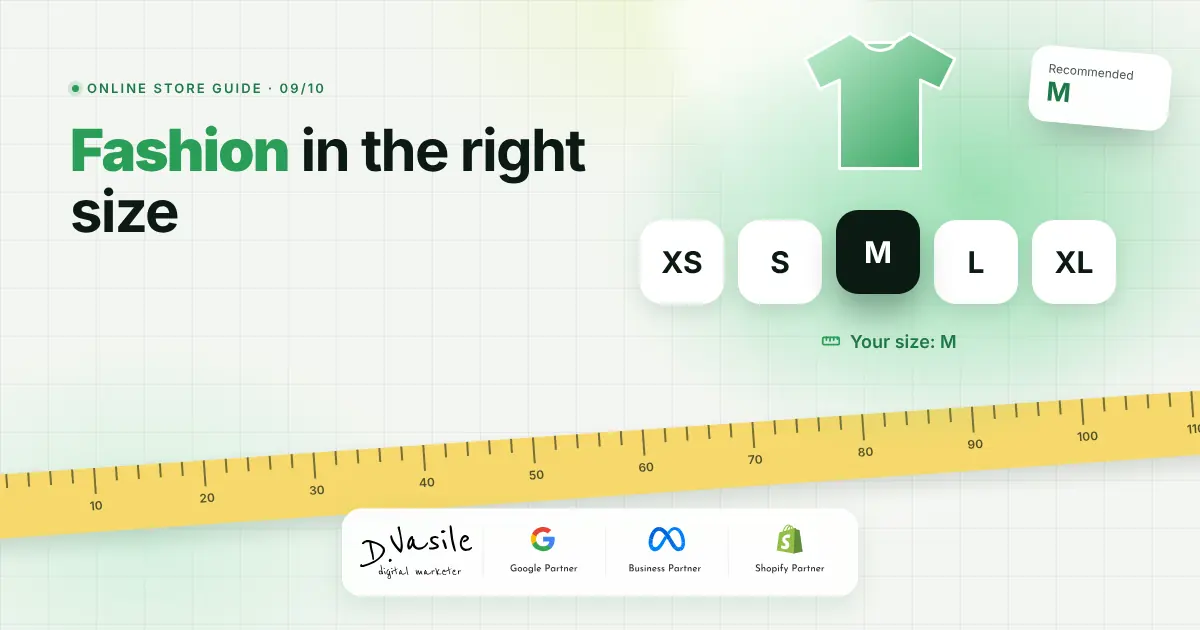
In a fashion store, the biggest problem isn't traffic but size. The customer can't try things on, so they order two sizes or don't order at all, and in the end a large share of returns have the same reason: "it didn't fit". The features below reduce uncertainty before purchase and turn some returns into exchanges instead of refunds. This article is part of the series on how to build an online store.
The size guide, per category
- A table for each category: T-shirts, trousers, dresses. Trouser sizes aren't the same as jacket sizes.
- Body measurements (chest, waist, hips) and an explanation of how to measure, with a simple drawing.
- Opened from a link right under the size buttons, not hidden in the footer.
The size recommendation
One step further: the customer enters height, chest or waist and gets "We recommend size M", with a button that selects it. The measurements can be kept on their device, and any other product with a size guide shows "Your size: M" straight away. That shortens the decision on every new product.
Fit details on the product
- Garment measurements for the selected size: "Length 70 cm · Chest width 52 cm".
- The fit, on a scale from slim to loose.
- The model: "The model is 1.80 m and wears M".
- What customers say: in reviews, customers choose "Small", "True to size" or "Large", and the product shows "True to size, based on 12 reviews".
Colours, sizes and stock
Colours as dots, sizes as buttons and out of stock sizes crossed out but visible. On each missing size, a "Notify me when L is back" alert. In product lists, colour dots and a second photo, ideally the product being worn, help customers picture the outfit.
Outfits, lookbook and "Find your style"
- "Complete the look" on the product page: pieces chosen by you that go together.
- Lookbook: outfit photos with dots on each product in the image and the price of the whole outfit.
- "Find your style": a few questions about occasion, style, colour, size and budget, with results sorted by match and the reason for the match on each card.
Size exchange on returns
In the return form in the customer account, each product has two options: "Refund" or "Exchange for another size", from the sizes of the same colour in stock. The reasons "Too small" and "Too large" come first in the list. An exchange keeps the sale, and the collected reasons show you which products have the wrong size chart. I wrote more about the cost of returns in returns in ecommerce.
How I build fashion stores
In the themes I build, all of this sits in a "Fashion" module, switched on only for clothing stores: size guides per category, a size assistant that remembers measurements, fit details on the product, reviews with "How does it fit?", lookbook, "Complete the look", "Find your style" and size exchanges from the account. The rest of the store stays clean for other product types.
Check yourself
Frequently asked questions
Conclusion
A good fashion store answers "Which size should I take?" before it's asked: a guide per category, a recommendation from measurements, fit details and customer opinions. And when the size still doesn't fit, an exchange keeps the sale. If you'd like to build these features into your store, see the UI/UX design page or write to me via contact.
Free check: find out in 5 minutes how much budget you're losing in Google Ads and Meta Ads. Answer 15 questions and get a score and a list of things to fix. Take the free check.